GreenBlessing is built for real gardens: balconies, backyards, and small homesteads. Below are three typical ways people use it—from a first‑time salad bed to a multi‑year crop rotation plan.
1. “Small salad garden” – weekend beginner
Scenario
First raised bed in a tiny backyard
Emma has one 1.2 × 2.4 m raised bed and wants “enough salad for two people, 3–4 times a week”. She is new to crop spacing and frost dates.
Steps in GreenBlessing
- Create a new map, choose a raised bed template, and set her real size.
- Use the plant sidebar to drag in lettuce, spinach, radish and herbs—spacing is automatic.
- Turn on the frost layer to see the safe planting window for her ZIP code.
- Save the plan and open the budget tab to see how many seedlings and seed packets to buy.
What it looks like
A clean top‑down layout shows each row and square. A light red tint warns if she tries to cram too many plants or break rotation rules next season.
 Lettuce
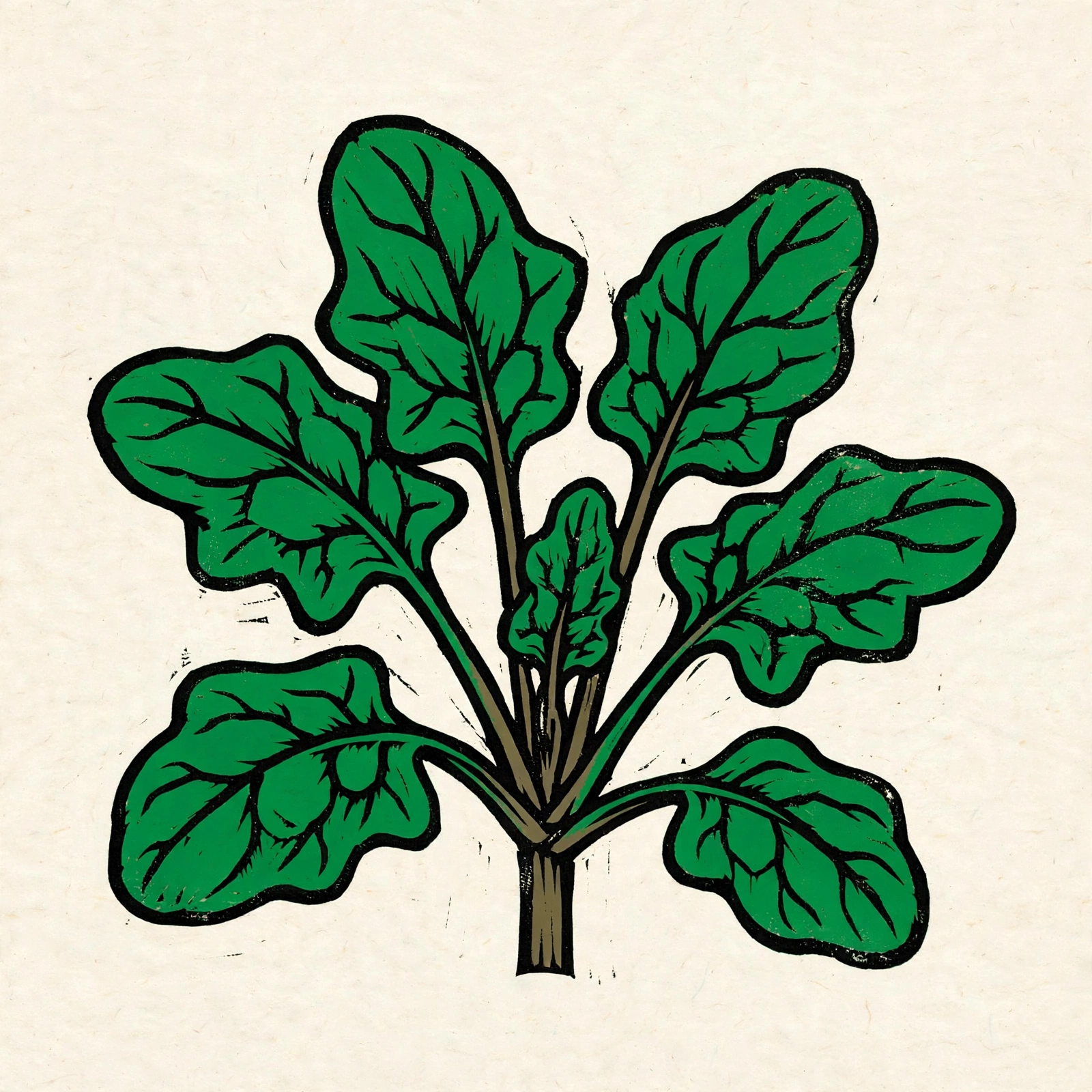 Spinach
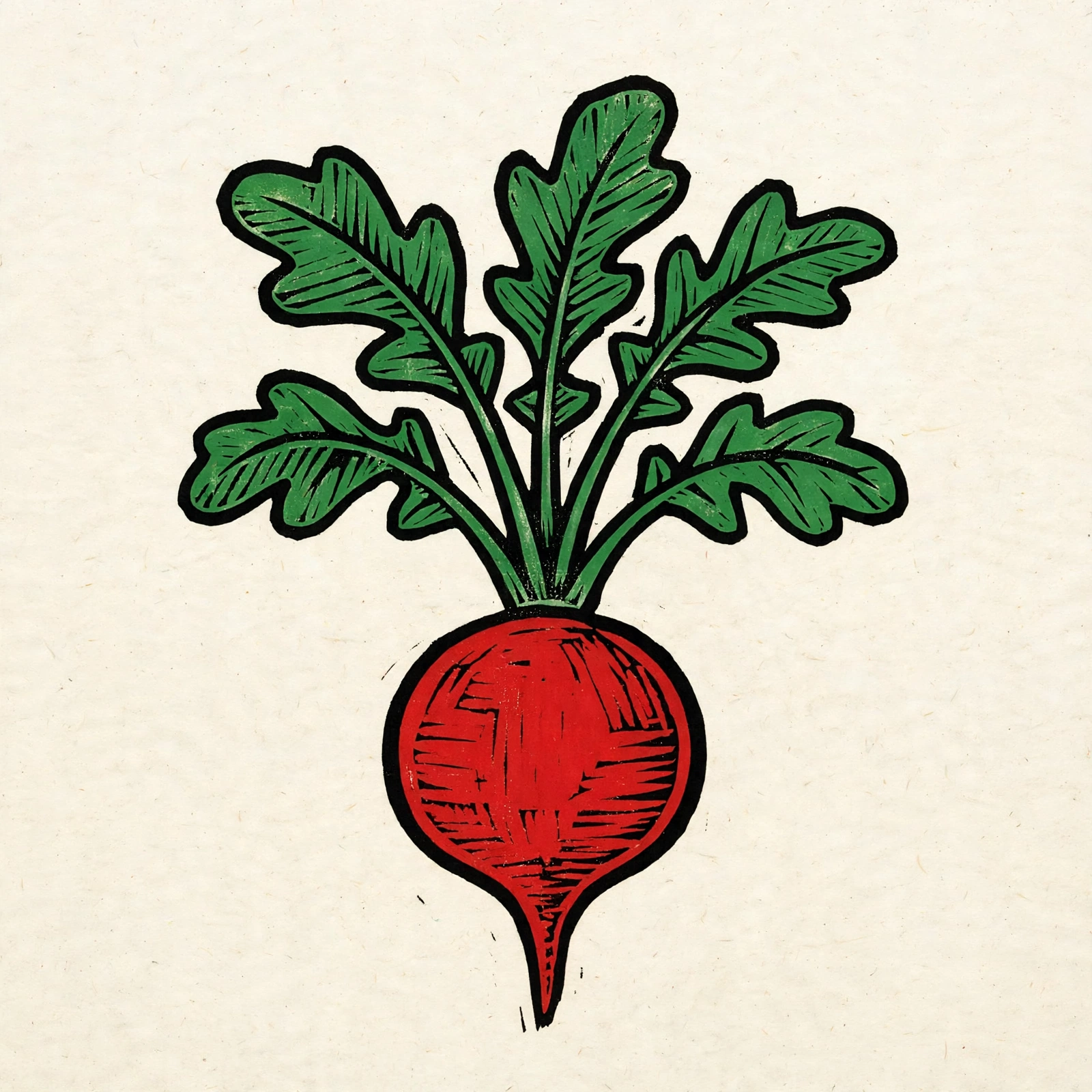 Radish
2. “Tomato & basil bed” – companion planting in action
Scenario
Tomato fan who wants fewer pest issues
Diego grows several tomato varieties every year. He has heard about companion planting but doesn’t want to memorize all the rules.
Steps in GreenBlessing
- Open his existing map and choose a 3‑bed tomato block.
- Drag in tomatoes; GreenBlessing automatically shows which plants are good companions.
- Add basil and marigold; “Companion” badges confirm they are helping this bed.
- Check rotation hints: a “rotation conflict” badge appears if he repeats nightshades in the same spot next year.
What it looks like
Each tomato icon is realistic and colour‑coded by variety. On hover/tap, he sees frost sensitivity and spacing; on the side panel, a clear note explains why tomatoes and basil work well together.
 Tomato (large)
 Tomato (cherry)
 Basil
3. “Year‑to‑year rotation” – serious home grower
Scenario
Four‑bed rotation across years and maps
Li runs a 4‑bed vegetable garden: nightshades, brassicas, roots and legumes. She wants to avoid soil‑borne disease over several years.
Steps in GreenBlessing
- Create one map per year and mark “same garden, new year” when duplicating.
- Assign each bed a main family (e.g. Nightshades_Peppers, Brassicas, Roots_Alliums, Legumes_Grains).
- Plan spring crops (3–5 months) and autumn crops (8–10 months) in each bed; rotation slots are tracked automatically.
- If a later year reuses the same bed and family, a light red overlay and “rotation conflict” badge appear directly on the map.
What users say
“I used to keep rotation notes in a notebook and always lost track. Now the beds turn red when I repeat nightshades—super clear.”
“The map‑based hints make it obvious where I can safely plant brassicas again. It feels like a gardening coach over my shoulder.”
“I added my own local varieties, and they show up with the same rotation and companion rules as built‑in plants.”
Start your own plan
You can try all of these flows without paying: create one or two maps, drag plants, and see frost, companion and rotation hints. When you are ready, sign in to save your plans and unlock more maps, custom varieties synced to your account, and budget tools.